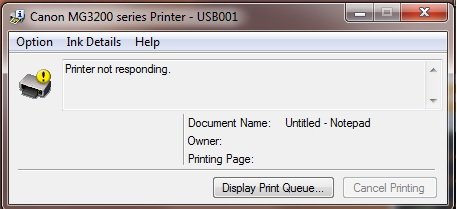
How do you fix my Canon printer error 4103?
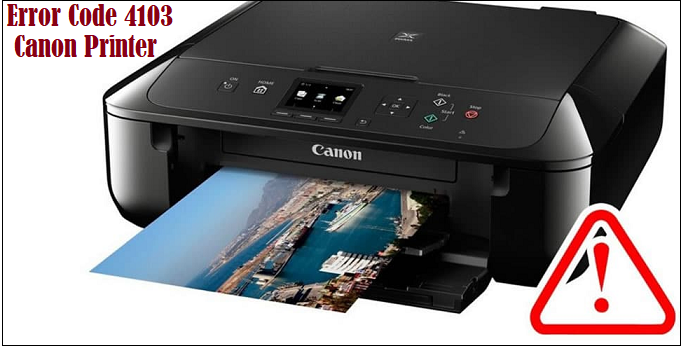
Error 4103 in Canon Printer shows the ‘cannot print’ issue. The alarm flashes 11 times with the 4103 code on the system screen. When you select a document and tap the print option, you may encounter the 4103 code in the canon printer. This error can occur in any (series) model of Canon printer. Cause – The main cause of displaying the 4103 error code is the current print settings that are not allowing your printer to print a document. Solution – As the error 4103 in the canon printer is due to current print settings, you need to change the print settings. Here’s the guide for changing your print settings. If Page Size can’t select Size to print a document, you can specify the paper’s height and width called custom size. You can change the paper setting in size options and Custom Size. Here are both ways to change the page settings. See below; Press the Stop button if your printer is working or you’ve already given the command to Print. Change Setting From Paper Size Options Make ...